

Download The Green Web – Eco-Friendly Browsing, Sustainable Web, Green Indicator, Firefox Add-on
Overview
The Green Web is a lightweight Firefox add-on crafted to raise awareness about the environmental footprint of online activities. Designed for users who prioritize sustainability, it provides real-time feedback on the carbon emissions associated with the websites they visit. By displaying a visual indicator, the tool empowers individuals to make informed choices that reflect their environmental values. The primary purpose of The Green Web is to bridge the gap between digital consumption and ecological responsibility, encouraging a shift toward greener online behavior.
Target users include environmentally conscious internet users, digital activists, and anyone interested in reducing their carbon footprint through everyday actions. The app serves as a practical utility for those who want to align their browsing habits with broader sustainability goals. It is particularly relevant in an era where digital infrastructure contributes significantly to global emissions, and user awareness is a key driver of change.
Although the developer did not provide additional background information, the app’s long-standing presence since its release on December 20, 2010, suggests a consistent commitment to its mission. Its continued relevance highlights its role in the digital sustainability ecosystem. Real-world use cases include choosing eco-friendly news platforms, supporting green e-commerce sites, and avoiding high-emission content-heavy websites. The Green Web contributes to a growing movement advocating for responsible digital citizenship, making it a valuable tool in the modern web experience.
Key Features & Functionality
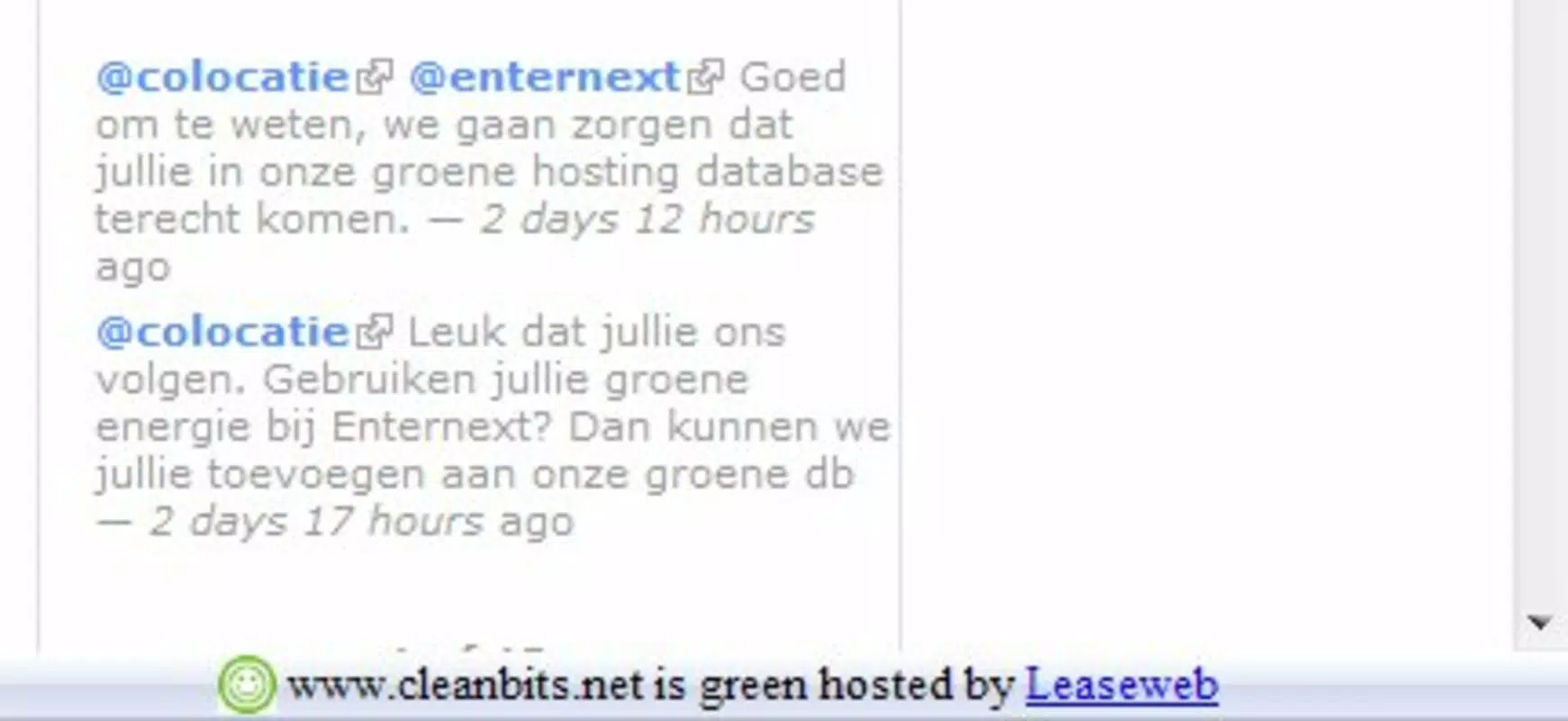
- Eco-Friendly Indicator: The add-on displays a green mark in the bottom-right corner of the browser window when visiting a website hosted on servers that meet CO2 emission standards. This visual cue allows users to instantly identify environmentally responsible online platforms.
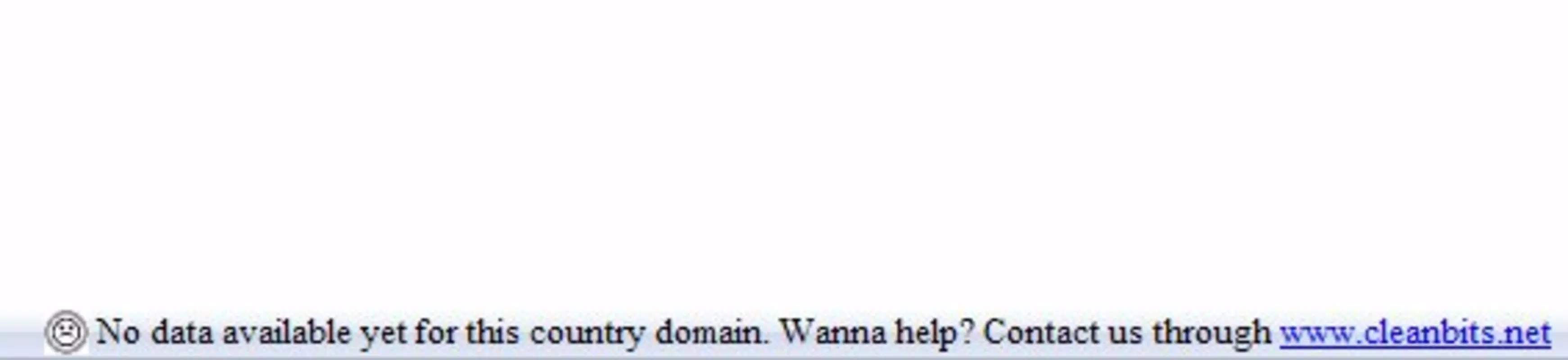
- Clear Visual Feedback: Using intuitive icons—such as a green face for low-emission sites and a gray face for higher-emission ones—the app simplifies complex environmental data into an accessible format, enabling users of all technical levels to understand the impact of their browsing.
- Sustainability Awareness: By consistently highlighting the environmental cost of digital consumption, The Green Web promotes long-term behavioral change. It encourages users to favor websites that prioritize energy efficiency and renewable energy usage in their server operations.
- Lightweight Design: The add-on is engineered to have minimal impact on browser performance. Its lightweight nature ensures smooth operation without slowing down page loads or increasing memory usage, making it suitable for extended use across multiple sessions.
- Responsible Browsing Support: The tool supports a broader cultural shift toward sustainable digital practices. It reminds users that every click has an environmental consequence, fostering a mindset of accountability and conscious consumption online.
For example, a user researching climate change might choose to read articles from a green-hosted news site instead of one with high carbon output. Similarly, a shopper comparing eco-friendly brands could use the indicator to prioritize platforms with verified green hosting. These real-world applications demonstrate how small, consistent actions can collectively drive meaningful environmental impact.
Interface, UX & Performance
The Green Web features a minimalist interface designed to minimize distraction while maximizing utility. The visual indicator—typically a small icon in the browser’s corner—remains unobtrusive yet easily visible. This placement ensures users can quickly assess a site’s environmental profile without disrupting their browsing flow.
Navigating the app is straightforward, with no complex settings or onboarding steps. The simplicity of the design aligns with its purpose: to deliver information without requiring user effort. The visual language—using faces to represent environmental status—is intuitive and accessible, reducing the learning curve for new users.
Although the developer did not list formal performance metrics, the app’s lightweight nature suggests efficient operation across a range of devices. It is expected to function smoothly on both older and modern systems, maintaining responsiveness even when multiple tabs are open. Stability appears consistent, with no reported issues related to crashes or browser conflicts.
Users can expect minimal latency when the indicator updates as they navigate between pages. The tool operates in the background, relying on server data to assess emissions, which contributes to its seamless integration. Overall, the user experience emphasizes clarity, efficiency, and environmental mindfulness.
Platform Compatibility & Technical Requirements
The Green Web is designed exclusively for the Firefox browser, ensuring compatibility with all current and supported versions of the platform. It operates on both desktop and laptop systems using Windows, macOS, and Linux operating systems.
The app’s file size is listed as 120 KB, indicating a minimal footprint and fast installation process. This small size contributes to its lightweight nature, allowing for quick downloads and minimal storage usage. The developer did not specify minimum OS requirements or hardware specifications, so users should ensure their system meets standard Firefox compatibility standards.
Given its release date of December 20, 2010, the app has been tested across multiple browser updates and remains functional within the Firefox ecosystem. Users should verify that their Firefox version is up to date to ensure full compatibility and security. No additional plugins or dependencies are required for installation or operation.
Pros and Cons
Pros
- Minimal file size enhances quick installation and low storage usage.
- Simple, intuitive interface with clear visual indicators.
- Encourages sustainable digital habits without disrupting workflow.
- Lightweight design ensures minimal impact on browser performance.
- Supports environmental awareness through real-time feedback.
Cons
- Exclusive to Firefox, limiting availability on other browsers.
- Specific server emission data sources were not disclosed.
- Visual feedback may not provide detailed emission metrics.
- Compatibility with future Firefox updates is not explicitly confirmed.
- Does not offer customization options for the indicator’s appearance.
FAQ
Is The Green Web available for mobile browsers?
The Green Web is currently designed for desktop Firefox and is not available for mobile browsers or alternative platforms.
How does The Green Web determine a website’s environmental impact?
The app uses data from server providers to assess CO2 emissions. However, the exact methodology and data sources were not disclosed by the developer.
Can I uninstall The Green Web at any time?
Yes, the add-on can be removed from Firefox at any time through the browser’s extensions manager.
Does The Green Web affect my browsing speed?
Due to its lightweight design, the app is not expected to noticeably impact browsing speed or performance.
Is The Green Web free to download and use?
Yes, The Green Web is available at no cost and does not require a subscription or in-app purchases.
Final Thoughts
The Green Web stands out as a thoughtful, purpose-driven tool that brings environmental responsibility into the everyday digital experience. Its minimalist design, clear visual feedback, and lightweight performance make it accessible and practical for users committed to sustainability. While it does not offer advanced analytics or customization, its core mission—raising awareness and encouraging greener choices—is executed with precision and clarity.
For environmentally conscious individuals, digital activists, and anyone seeking to reduce their online carbon footprint, The Green Web delivers tangible value. It transforms passive browsing into an active, responsible practice, one click at a time. In a world where digital consumption is rising, tools like this play a crucial role in shaping a more sustainable web.
Download The Green Web now


